Principles
- All data is local under %APPDATA%\INZOSO\WRK-Manager\ in a SQLite file.
- There is no telemetry, no usage statistics, no update check and no license lookup.
- Network connections only arise when you set up a collection server or a connector yourself.
- Passwords and tokens (server, connectors) are stored encrypted with Windows DPAPI, bound to your user account.
- Core statement: you decide which data is taken over.
Privacy settings
Journal and personal log are opt-in functions. For them you set:
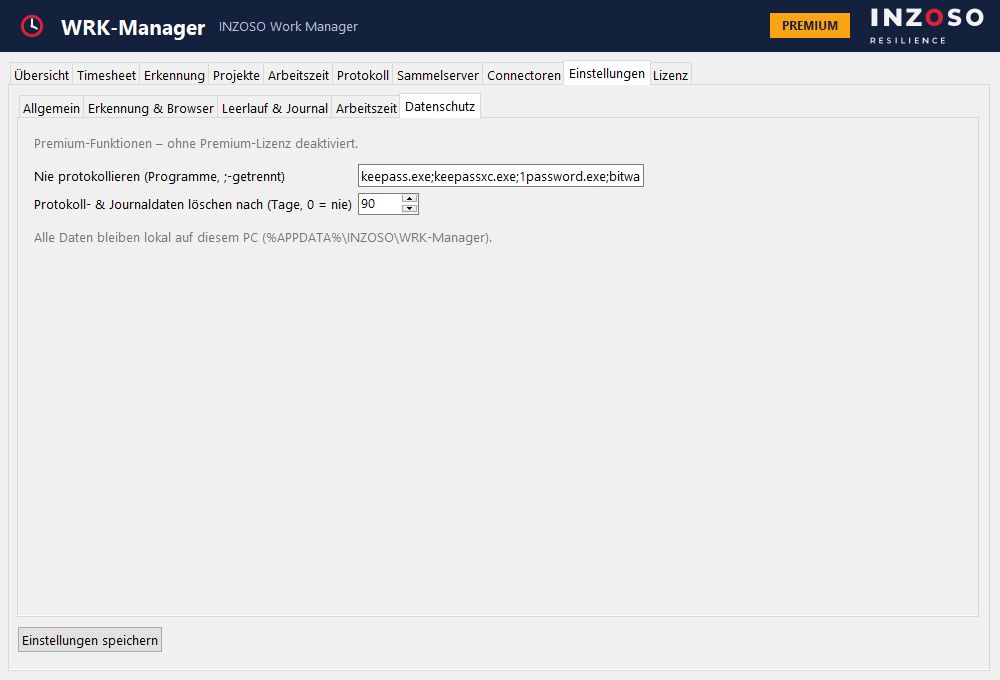
- whether window titles are stored
- an exclusion list of programs that are never logged (pre-filled with password managers)
- the retention period in days (default 90)
- complete deletion of the log data
- Every automatic takeover can be switched off.
What is not recorded
The WRK-Manager reads window titles and program names. It does not record screen contents, keystrokes (only when the last input was) or document contents.
Browser extension (optional)
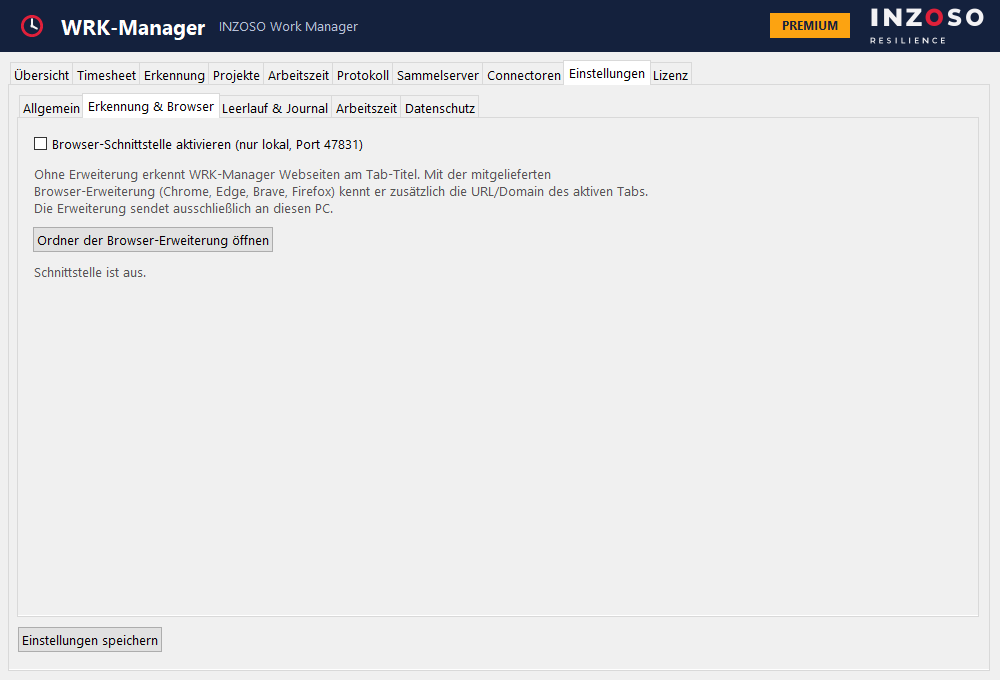
Without the extension the WRK-Manager detects websites by the tab title. With the extension it also knows the URL and domain of the active tab, so rules such as “wiki.firma.de” work reliably.
- Browsers: Chrome, Edge, Brave (Chromium) and Firefox.
- It sends only to your own PC (127.0.0.1, port 47831), no data goes to the internet. Private and incognito windows are never reported.
- The browser interface is off by default. Enable it under Settings › “Erkennung & Browser” › “Browser-Schnittstelle aktivieren”. It only listens on 127.0.0.1 and accepts only browser extensions as senders.
Installing the browser extension
The extension is a folder in the installation directory (Start menu link “Browser-Erweiterung (Ordner)”). It is not published in the Chrome Web Store or Firefox Add-ons.
- Chrome or Edge: switch on developer mode, choose “Load unpacked” and select the folder “chromium”.
- Firefox: open about:debugging, choose “Load Temporary Add-on” and select the file firefox/manifest.json. Without signing, only a temporary installation is possible in Firefox.