The score
The compliance check (Premium, menu Business › Compliance) compares your PC with a security baseline and calculates a score in percent. It checks eleven points without changing anything. The large card is coloured by level:
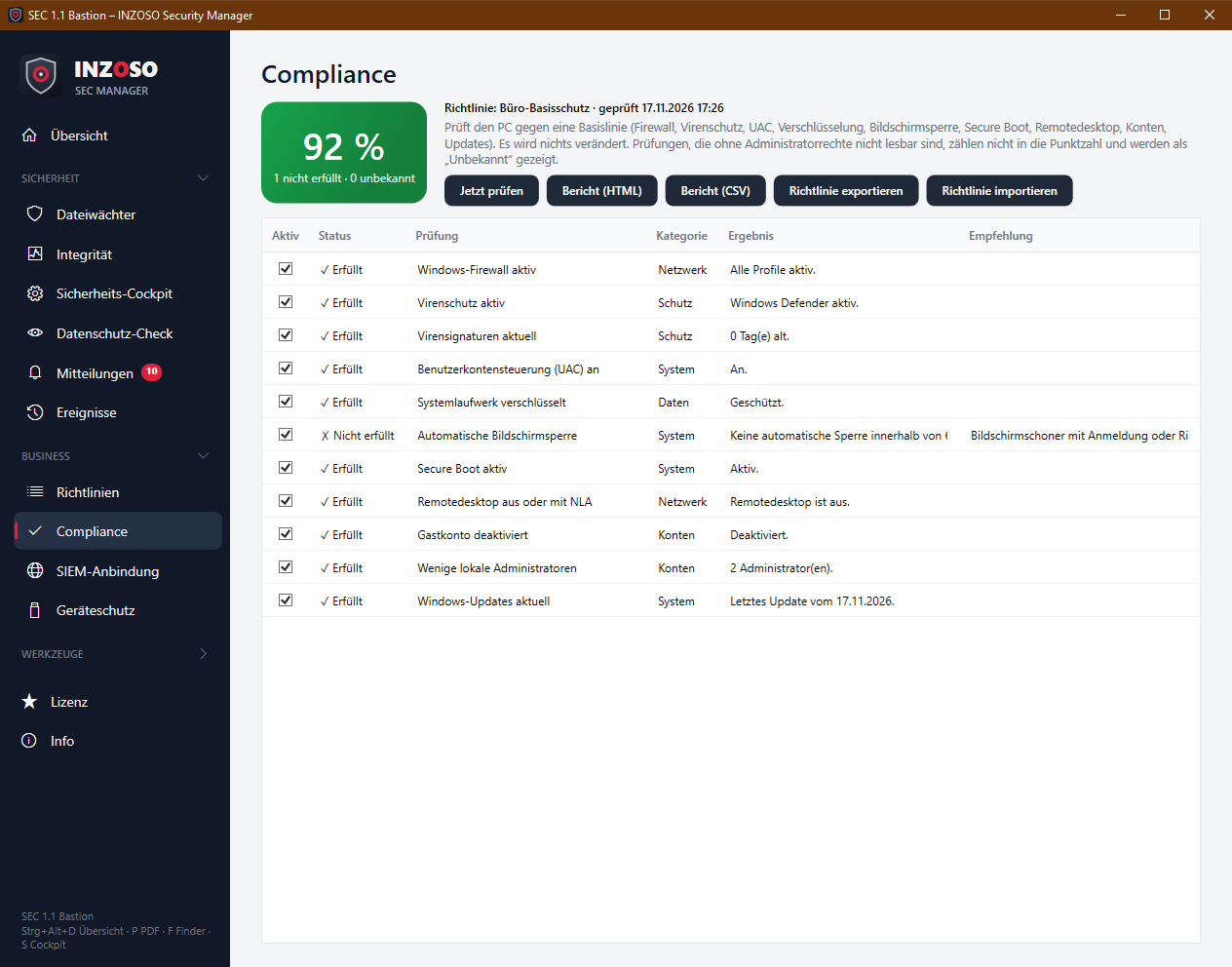
- Green: from 90 %
- Orange: 70 to 89 %
- Red: below 70 %
- Grey: nothing determinable
- The score is the weighted share of fulfilled checks among the determined checks. Undeterminable (“Unbekannt”) checks and checks skipped by the policy do not count, but are shown separately (“1 nicht erfüllt · 0 unbekannt”).
The eleven checks
Each row shows the status (✓ fulfilled, ✗ not fulfilled, ? unknown, – skipped), the result and, on deviation, a recommendation. The weight is in brackets.
- Windows firewall active (3): all firewall profiles on
- Antivirus active (3): Windows Defender or another registered antivirus program active
- Virus signatures current (2): Defender signatures at most 7 days old
- User Account Control (UAC) on (3)
- System drive encrypted (3): BitLocker protection active
- Automatic screen lock (2): lock via screen saver with sign-in or policy within 900 s
- Secure Boot active (2)
- Remote Desktop off or with NLA (2): RDP off, or on with network level authentication
- Guest account disabled (1)
- Few local administrators (2): at most 2
- Windows updates current (2): last update at most 45 days old
- The baseline is based on common Windows hardening recommendations but is not a certified check (e.g. no CIS certificate).
The policy
The “Aktiv” checkbox switches individual checks off; they then no longer count (“Übersprungen”). The thresholds (screen lock, administrators, update age, signature age) are in the policy. The policy can be:
- exported and imported (file sec-richtlinie.json),
- distributed as part of a profile (see the article on policies and profiles).
- If the policy is set centrally, it is read-only here.
Reports
- Bericht (HTML): standalone HTML file with device, policy, time, score, table and a note on “Unknown”, printable or saveable as PDF
- Bericht (CSV): table (device; time; policy; check; category; status; result; recommendation) for analysis
Automatic check and reporting
With continuous monitoring the compliance check runs after every integrity check. Failed checks are reported as events (weight 3 = critical, otherwise warning) and go to the SIEM. The score is also in the heartbeat and the weekly report.
Without Premium
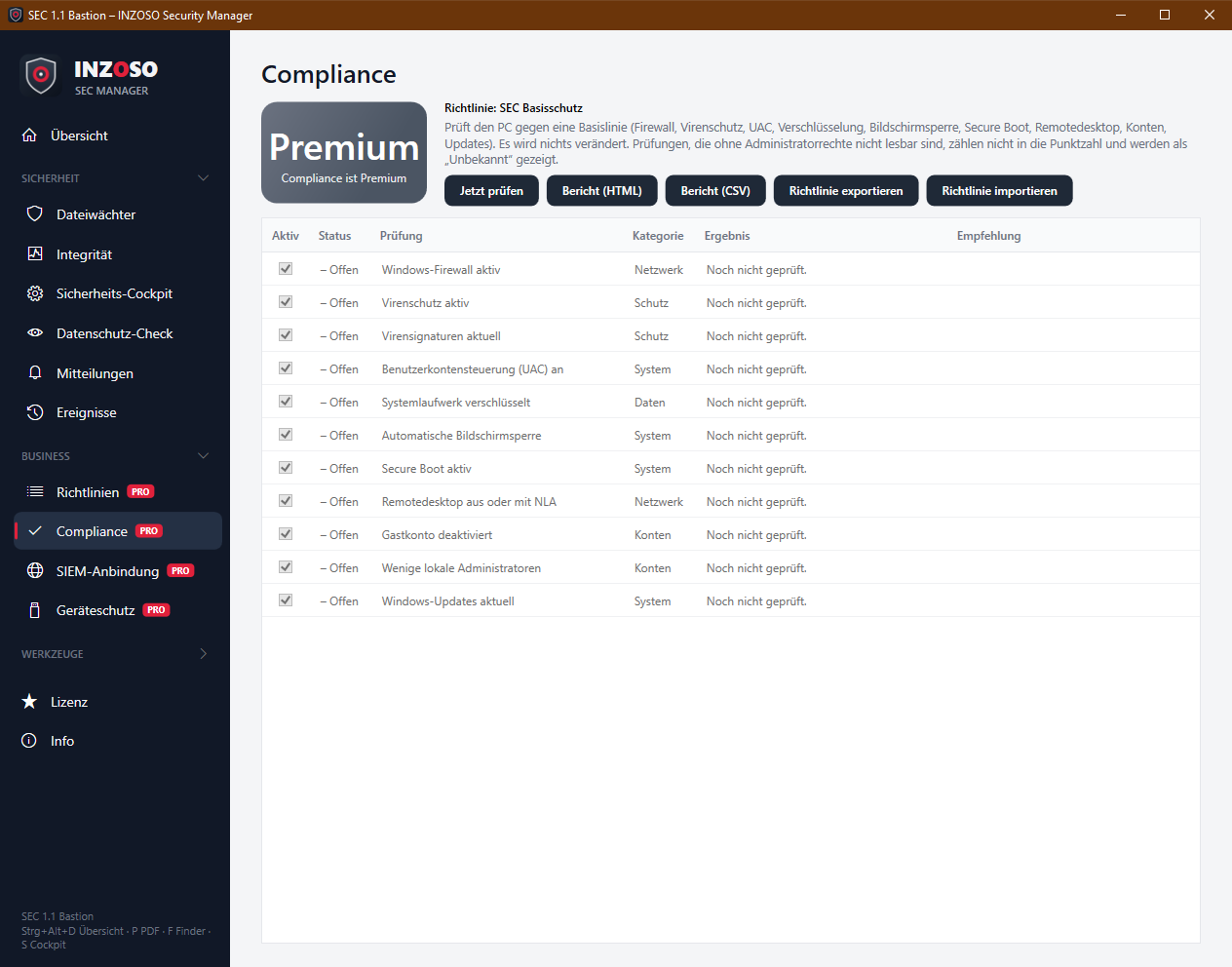
The page shows “Premium” instead of the score and locks check, reports and policies.
Notes
- Some values are not readable without administrator rights (“Unknown”).
- The screen lock is detected via screen saver and policies. Other locking methods are not detected by the check, which then reports “not fulfilled”.
- Cockpit and compliance can differ on encryption status because they read different sources.