What is checked
The check compares the PC with a baseline you confirmed and reports deviations. It also shows risks that apply independently of the baseline (e.g. “Firewall ausgeschaltet”). It changes nothing on the system; deviations are notes for manual assessment.
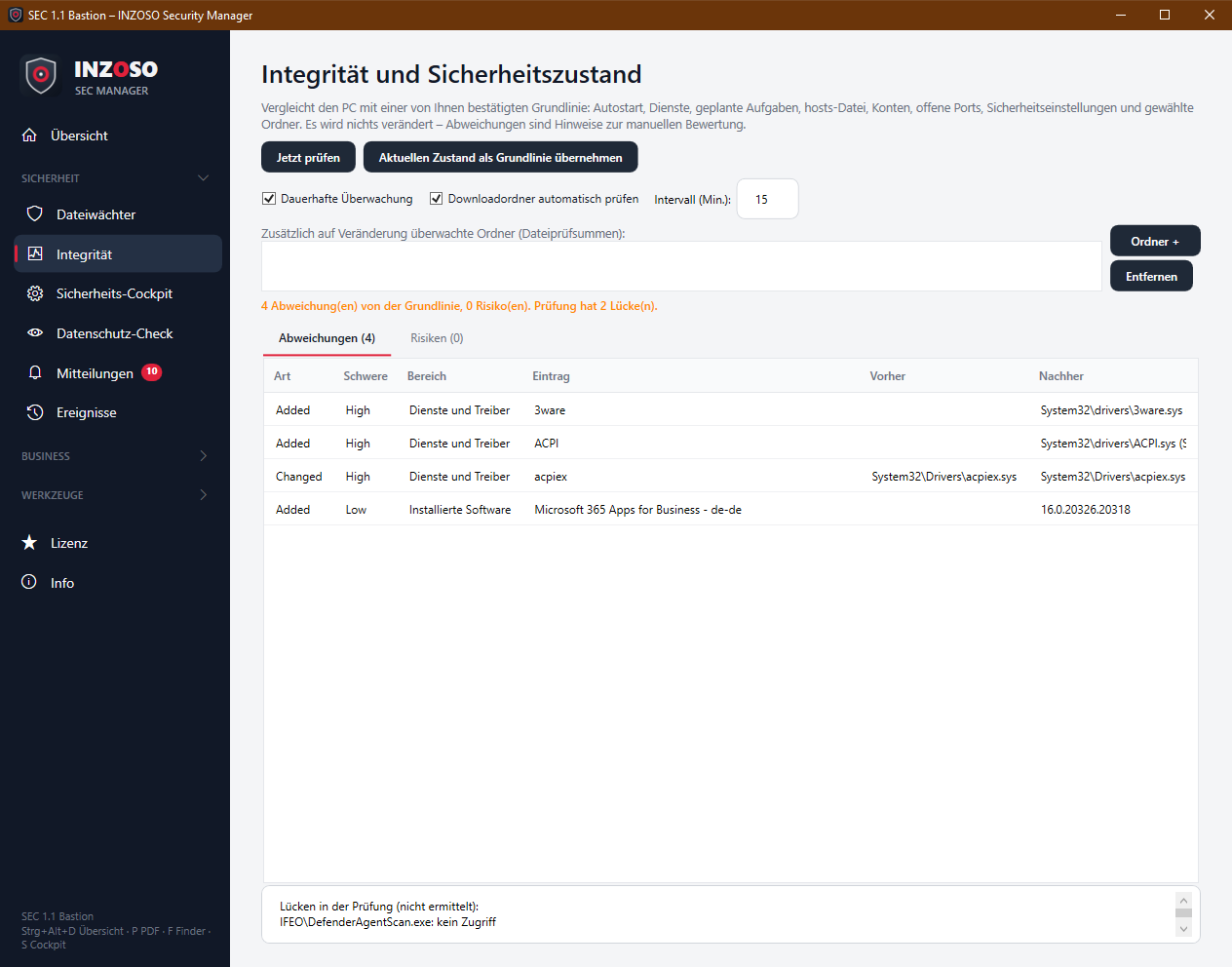
- Autostart: Run and RunOnce entries (user, computer, 32-bit), Winlogon (Shell, Userinit …), Image File Execution Options (“Debugger”), startup folders. Severity medium, Winlogon and IFEO high.
- Services and drivers: automatically starting services and drivers (path and start type). Medium, drivers high.
- Scheduled tasks: tasks with command and checksum (needs administrator rights). Medium.
- hosts file: every active entry individually (redirects). High.
- Accounts: local administrators, user accounts (active or disabled). High or medium.
- Open ports: listeners reachable from outside (not loopback) with program. Low.
- Security settings: firewall (per profile), Defender real-time protection, signature age, tamper protection, UAC, Remote Desktop, with immediate risk rating. High or medium.
- Installed software: name and version (Premium: changes visible). Low.
- Monitored folders: checksums of all files in folders you choose (up to 5000 files, Premium). Medium.
- Deviations appear as New (Added), Removed or Changed with before and after value.
How to proceed
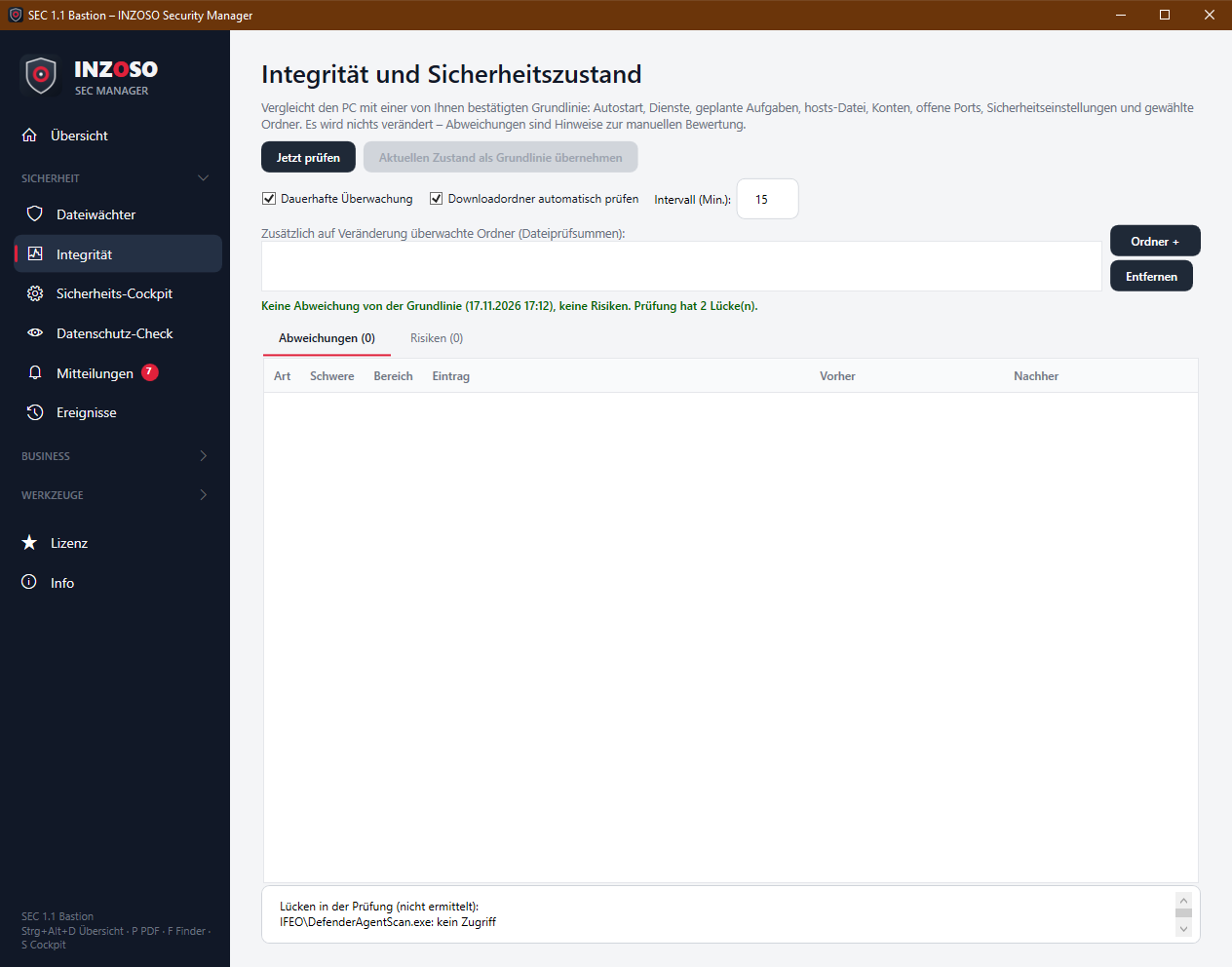
- Choose “Jetzt prüfen”. The first time, the current state is saved as the baseline (“Erste Aufnahme gespeichert”).
- Look at the “Risiken” tab. It applies even without a baseline.
- On later checks “Abweichungen” shows everything that changed.
- If the changes are intended (e.g. new software), confirm with “Aktuellen Zustand als Grundlinie übernehmen”. The program asks first.
- Below the table are “Lücken” (gaps): areas that could not be determined (e.g. without administrator rights). They are explicitly not a “fine” statement.
Continuous monitoring (Premium)
With Premium the check runs automatically in the background:
- Continuous monitoring: regular integrity check (default every 30 minutes, at least 5).
- Check download folder automatically: New files in the download folder are checked as soon as they are fully written (partial browser files such as .crdownload are skipped). Hits appear as a message and in the log.
- Monitored folders: additional folders whose files are checked for changes by checksum.
- Deviations and risks are reported as events and messages (high severity = critical, medium = warning, low = info), each deviation only once per program run. The compliance check also runs after every check.
Without Premium
The manual check, the baseline and the risks can be used without a license. Continuous monitoring, download check, monitored folders and software inventory are Premium.
Notes
- The baseline is stored locally in baseline.json.
- Scheduled tasks and part of the registry are not readable without administrator rights and appear as a gap.
- New open ports have low severity because programs often open and close ports.