Playlist library
“★ Bibliothek…” saves playlists on the PC, loads them again, exports them as a file and imports them. “Laden” replaces the playlist in the editor. Only “An Gerät senden” transfers it. On other devices, media is found again by file name.
Multiple devices and groups
Under “Bearbeiten” assign each device to a group (e.g. “Empfang”, “Kantine”). “★ An Gruppe senden…” distributes the current playlist to one device, a group or all devices. Missing media is transferred automatically from the connected device.
Instant alert
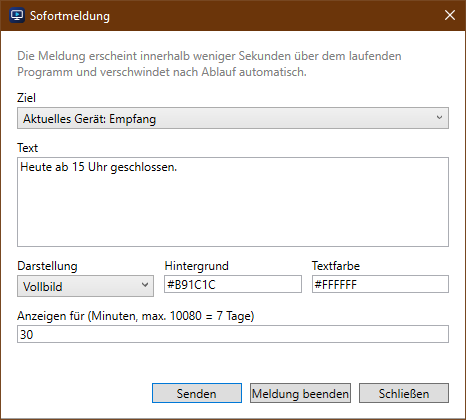
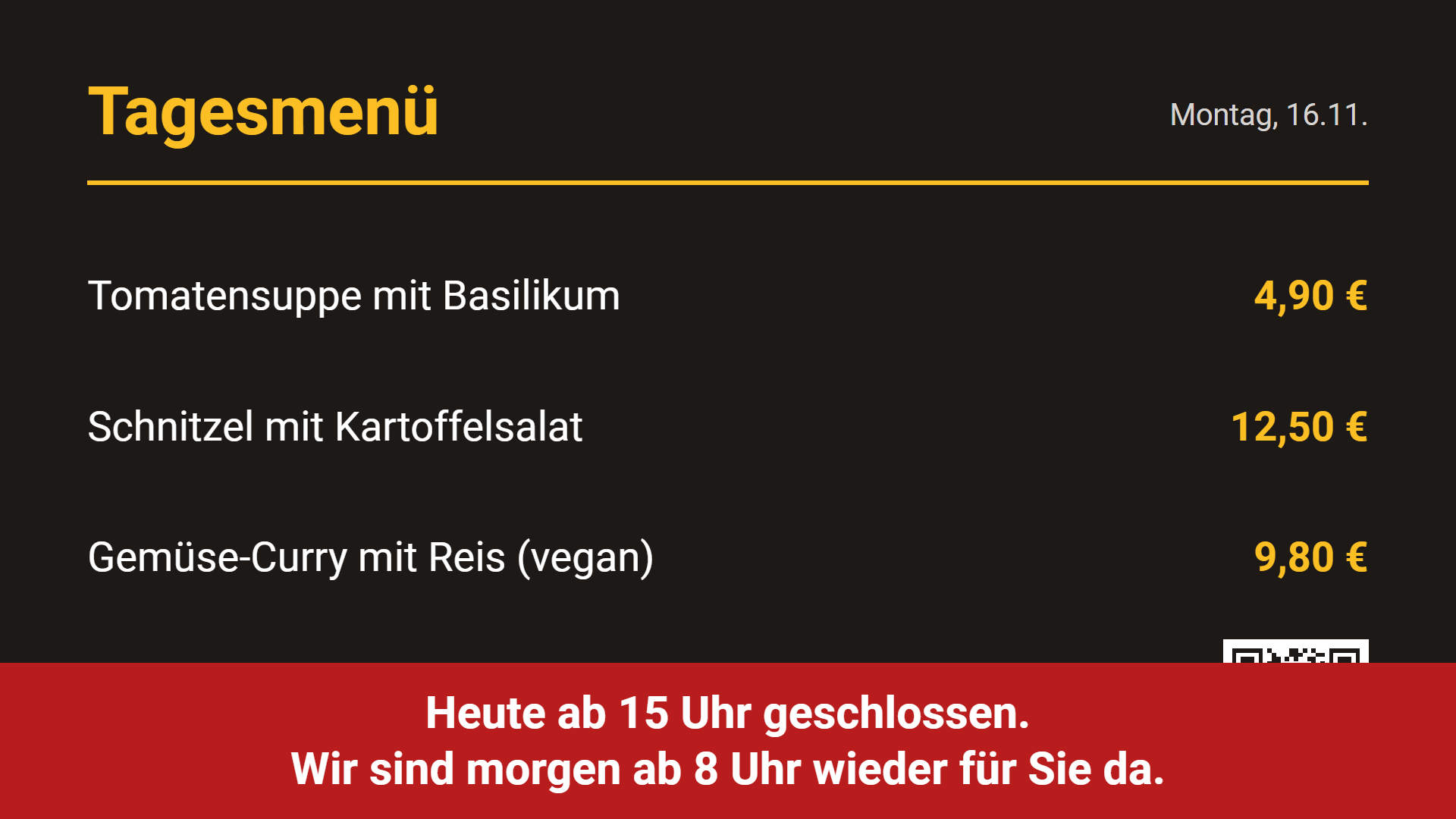
“★ Sofortmeldung…” shows a message over the running programme, for example “Closed from 3 pm today”. It appears as full screen or as a banner at the bottom, with your own colours. It disappears after the set duration (1 minute to 7 days) or immediately with “Meldung beenden”.
Devices & status
The overview shows all devices: online or offline, version, what is playing, uptime, free storage and orientation. “Automatisch (alle 15 s)” refreshes continuously. For the selected device you have:
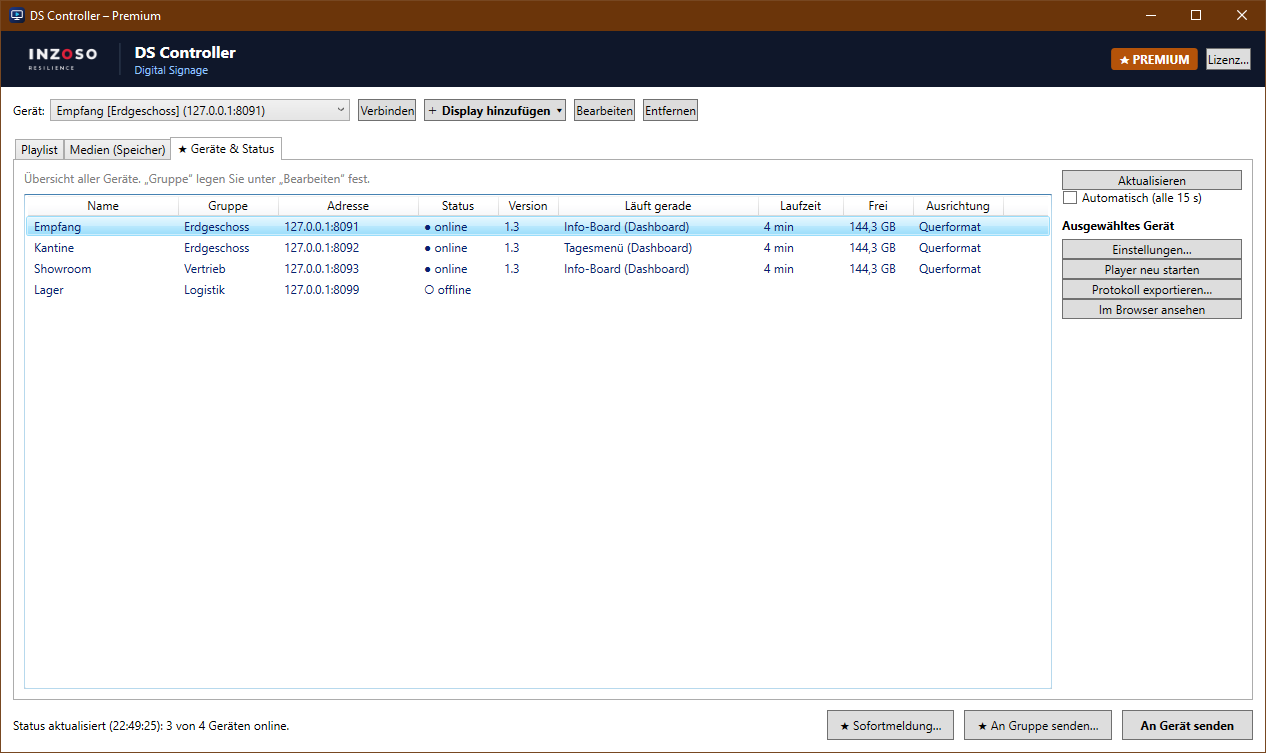
- “Einstellungen…”: screen orientation (landscape, portrait 90°/270°, upside down) and quiet hours, e.g. black at night, weekdays selectable
- “Player neu starten”: reloads the display
- “Protokoll exportieren…”: playback log as a CSV file (for Excel), e.g. as proof for advertisers
- “Im Browser ansehen”: shows the device’s player in a browser