Dashboard editor
“Dashboard-Layout bearbeiten…” opens the editor with a 16:9 preview.
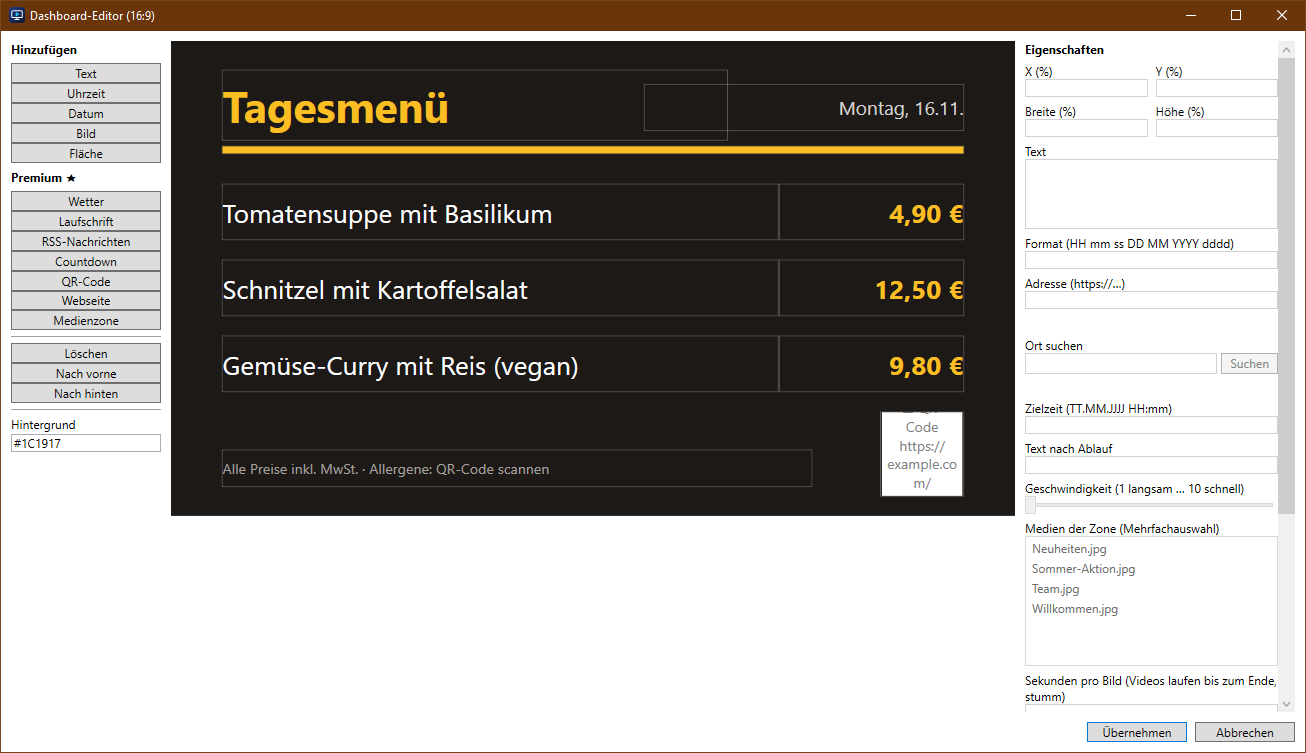
- Add elements on the left, move them with the mouse and resize with the bottom-right corner
- Set properties on the right: position, text, colour, font, alignment
- “Nach vorne” and “Nach hinten” set the layer order
Elements in the Standard edition
Text, time, date, image and shape.
Additional elements in Premium
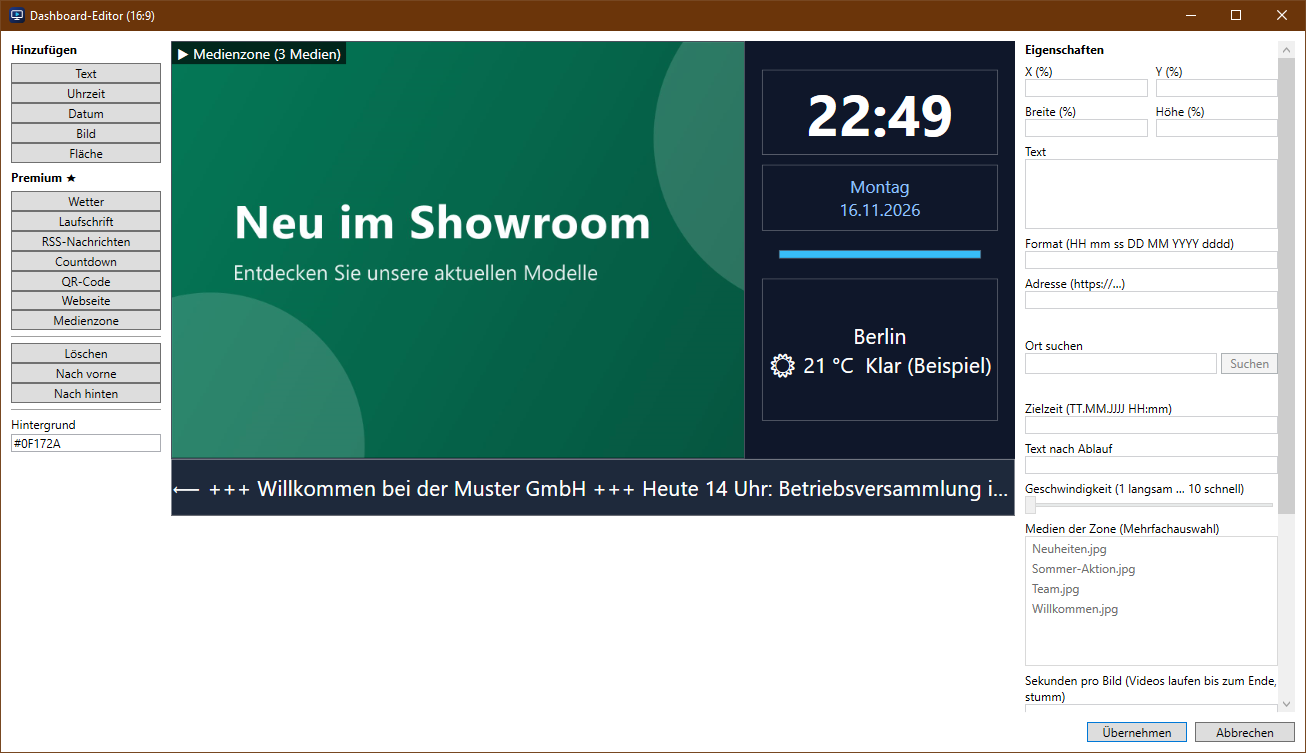
- Weather: search a location, shows temperature and conditions (updates itself)
- Ticker: text scrolls from right to left, speed adjustable
- RSS news: current headlines from a news feed as a ticker
- Countdown: counts down to a point in time, then shows a custom text
- QR code: e.g. a link to the menu or to the Wi-Fi
- Web page: embeds a web page (many large sites do not allow this)
- Media zone: images and videos rotate inside an area (split screen)
Templates (Premium)
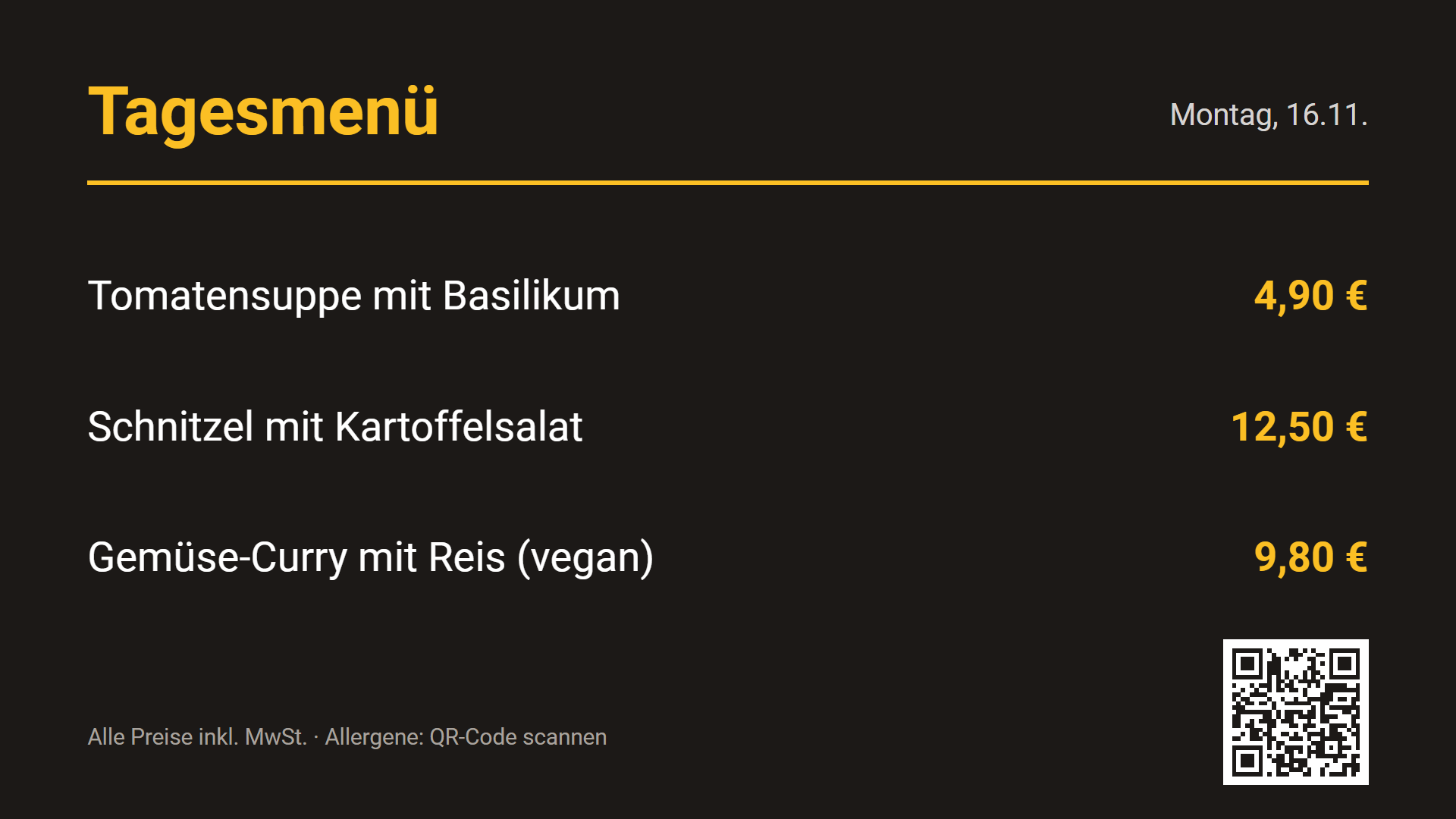
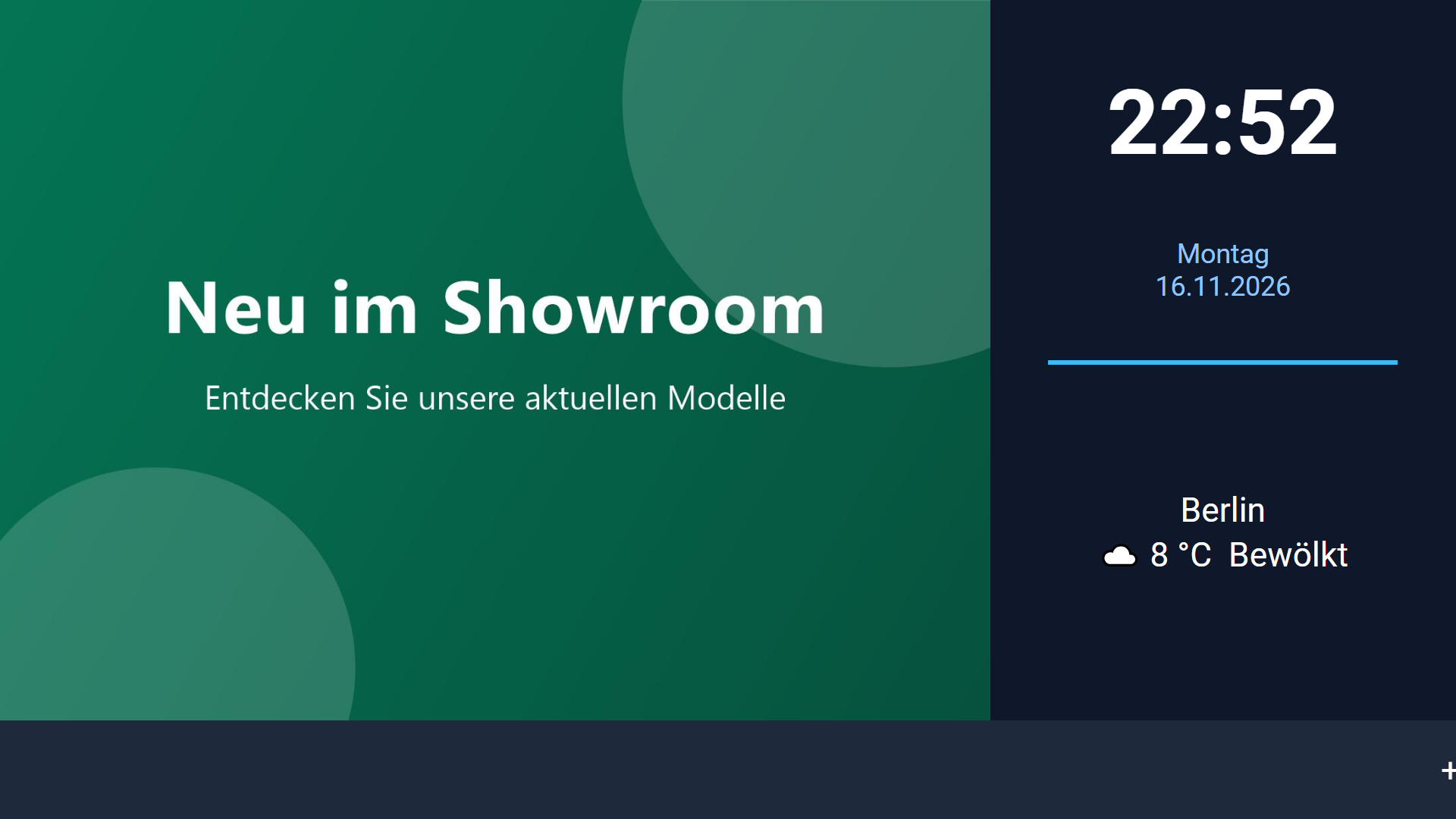
“★ + Aus Vorlage…” creates a ready-made dashboard to customise: welcome/reception, menu/daily special, opening hours, offer/promotion and info board (split screen with media, clock, weather and news).
Internet access
Weather, RSS news and embedded web pages need internet access on the display device. Everything else runs on the local network.